8 posts tagged with "CLI"

Command-line interface and terminal tools

View All Tags

Best AI CLI Tools in 2026 — The Complete Guide

· 14 min read
MCPBundles

The terminal is having its best year since the invention of cloud infrastructure.

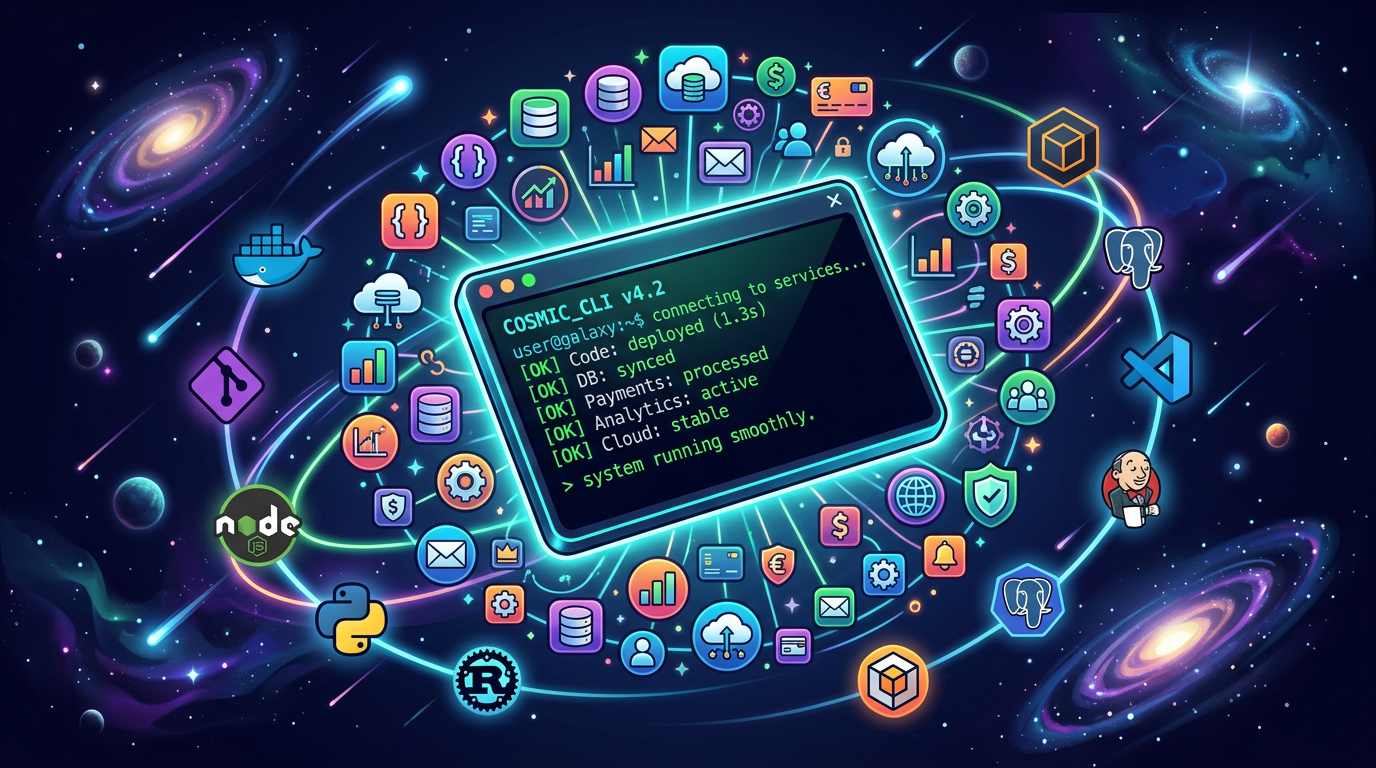
Every major AI lab shipped a coding agent CLI. Every major SaaS company shipped or meaningfully updated a service CLI. And a new category is emerging — CLIs that connect the two, giving your coding agent access to production services without leaving the terminal.

We've been running MCPBundles for over a year — a platform where teams connect AI agents to production APIs. We built a CLI because we kept watching agents context-switch between writing code and needing to call Stripe, query a database, or check analytics. This guide covers everything worth installing in 2026, organized by what it actually does for you.

Best AI CLI Tools in 2026

OpenClaw MCP Tools: Give Your Personal AI 10,000+ Real-World Tools

· 16 min read
MCPBundles

OpenClaw — the open-source personal AI assistant with over 340,000 GitHub stars — now supports MCP. That means it can connect to any MCP server and use external tools as first-class capabilities. Your personal AI can go from answering questions to actually doing things across your services.

We've been watching OpenClaw's growth since late 2025. It runs on your hardware, works with Claude, GPT-4, Gemini, DeepSeek, and local models through Ollama, and connects to 20+ messaging platforms — WhatsApp, Telegram, Discord, Slack, Signal, iMessage. It already had 3,200+ skills on ClawHub. What it didn't have was a standardized way to reach the services those skills talked about.

MCP changes that. And MCPBundles makes it trivial.

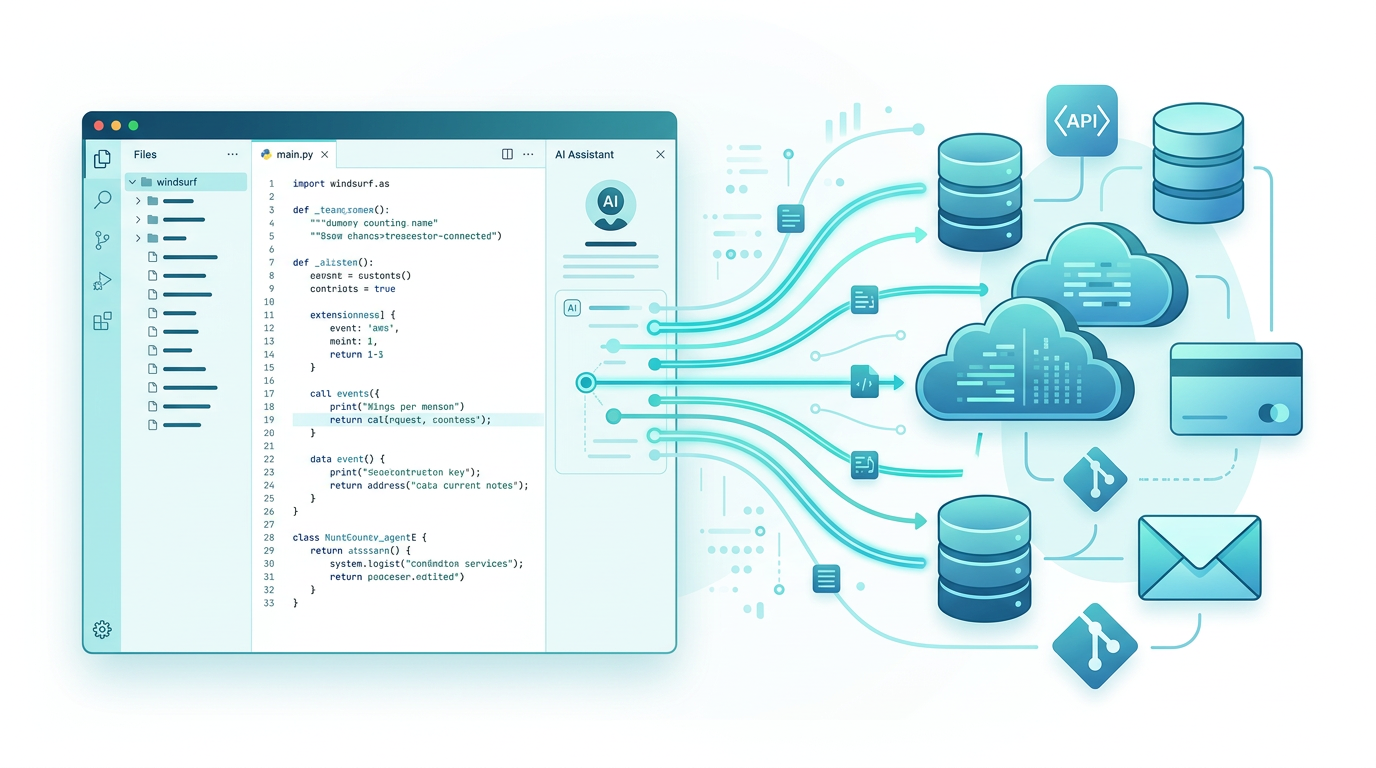
Personal AI assistant connecting to production services through MCP

MCP vs CLI Is the Wrong Debate — Here's What Actually Matters

· 12 min read
MCPBundles

There's a war happening on Reddit right now, and it's getting heated.

On one side: developers who believe the Model Context Protocol is overengineered middleware — that AI agents should just call gh issue create and curl like any terminal user. On the other: engineers running MCP in production who say the skeptics will inevitably reinvent every feature MCP provides, just worse.

Both sides are partially right. But the debate itself is framed wrong.

I spent the last day using our MCPBundles CLI to search Reddit via MCP tools — browsing posts, pulling comment threads, analyzing arguments — all through authenticated MCP tool calls executed from the command line. The irony was not lost on me: I was using CLI to call MCP to read arguments about whether we need MCP or CLI.

The answer, as it turns out, is both. But not in the way most people think.

Cursor MCP Tools: Give Your AI Coding Agent 10,000+ Real API Tools

· 7 min read
MCPBundles

Here's the thing nobody tells you about Cursor's agent mode: it's brilliant at working with code and completely blind to everything your code talks to.

Last week we were debugging a webhook handler. Cursor had the code open, understood the control flow, spotted a race condition in the retry logic. Genuinely impressive. Then we needed to know whether the bug was actually hitting production — were customers seeing duplicate charges? The agent that just did 15 minutes of sophisticated code analysis couldn't answer a basic factual question about our own Stripe data.

So we opened a browser tab, logged into Stripe, searched for the customer, scrolled through PaymentIntents, compared timestamps manually, went back to Cursor, and typed what we found. The AI had all the context and none of the data.

We got tired of being the copy-paste bridge between our IDE and our dashboards.

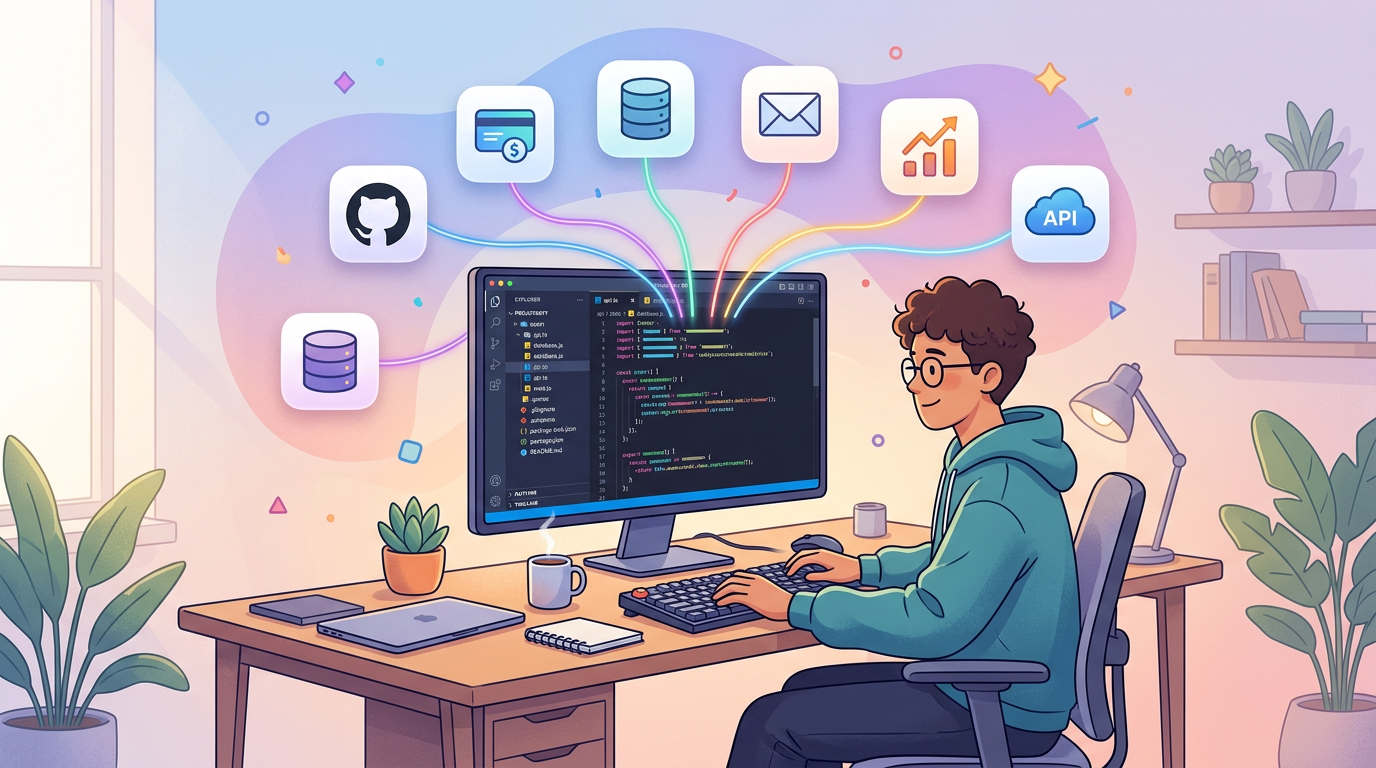
Developer using Cursor with MCP tools connected to production services

MCPBundles CLI: Give Your AI Coding Agent Access to 10,000+ Production Tools

· 7 min read
MCPBundles

MCPBundles has always worked as an MCP server. You add it to Claude Desktop, Cursor, ChatGPT, or any MCP-compatible client, and your AI gets access to Stripe, HubSpot, Postgres, PostHog, Gmail, and every other service you've connected — with real credentials, real permissions, and real data.

The MCPBundles CLI is an alternative way to access those same tools. Instead of configuring MCPBundles as a remote MCP server in your client, you install a command-line tool and authenticate with an API key. The AI agent discovers and calls your tools through shell commands — the same 10,000+ tools, the same credentials, the same workspace permissions.

pip install mcpbundles