16 posts tagged with "Developer Tools"

Tools for developers and development workflows

View All Tags

Grafana MCP Server: Monitor, Debug & Explore Your Infrastructure with AI

· 6 min read
MCPBundles

Grafana MCP Server

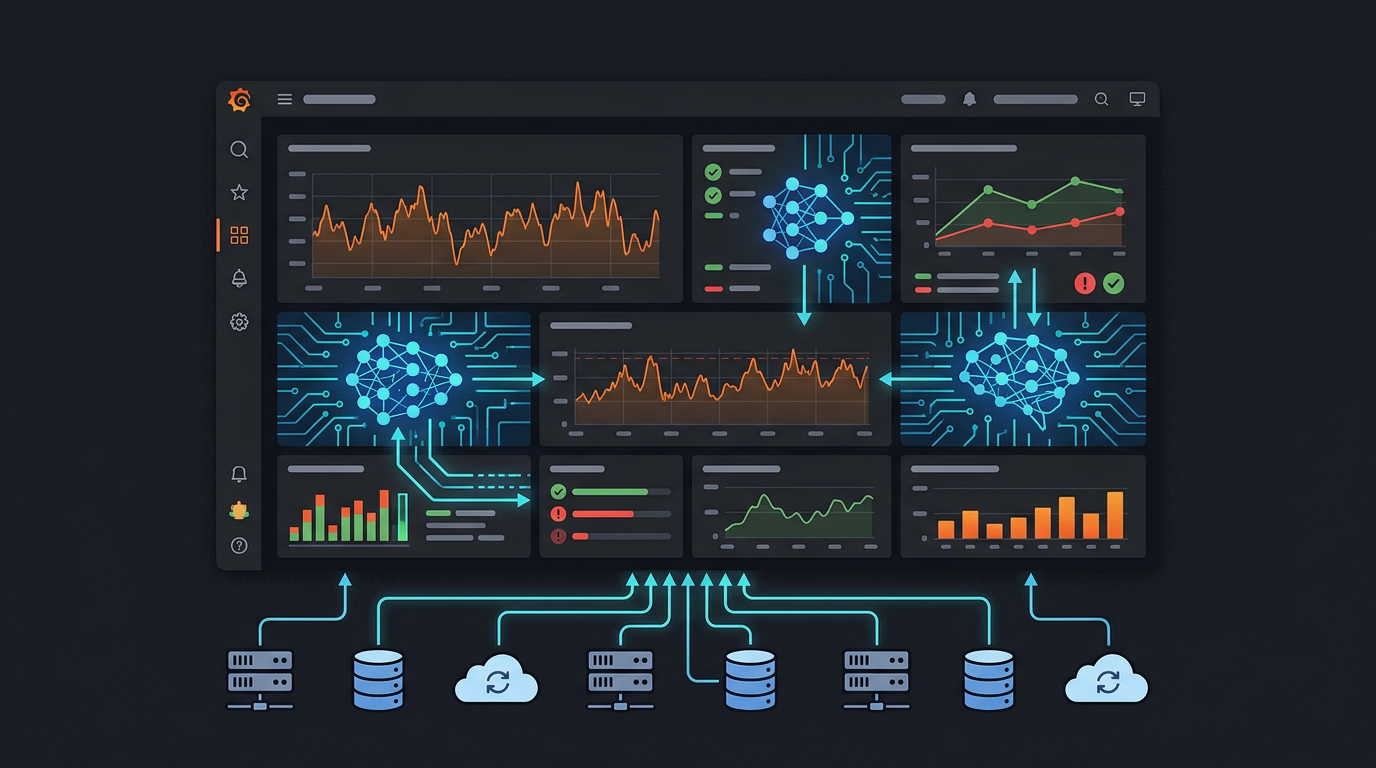
Grafana is where engineering teams go to understand what's happening in their infrastructure. Dashboards, alerts, logs, metrics — it's all there. But when something goes wrong at 3am, the workflow is still manual: open Grafana, find the right dashboard, scan the panels, correlate timestamps, dig into logs.

MCP changes that. With a Grafana MCP server, your AI agent can search dashboards, pull panel data, read alert states, create annotations, and explore datasources — answering "what happened?" conversationally instead of through dashboard clicking.

Supabase MCP Server: How to Connect Supabase to Claude, Cursor & Any AI Agent

· 4 min read
MCPBundles

Supabase MCP Server

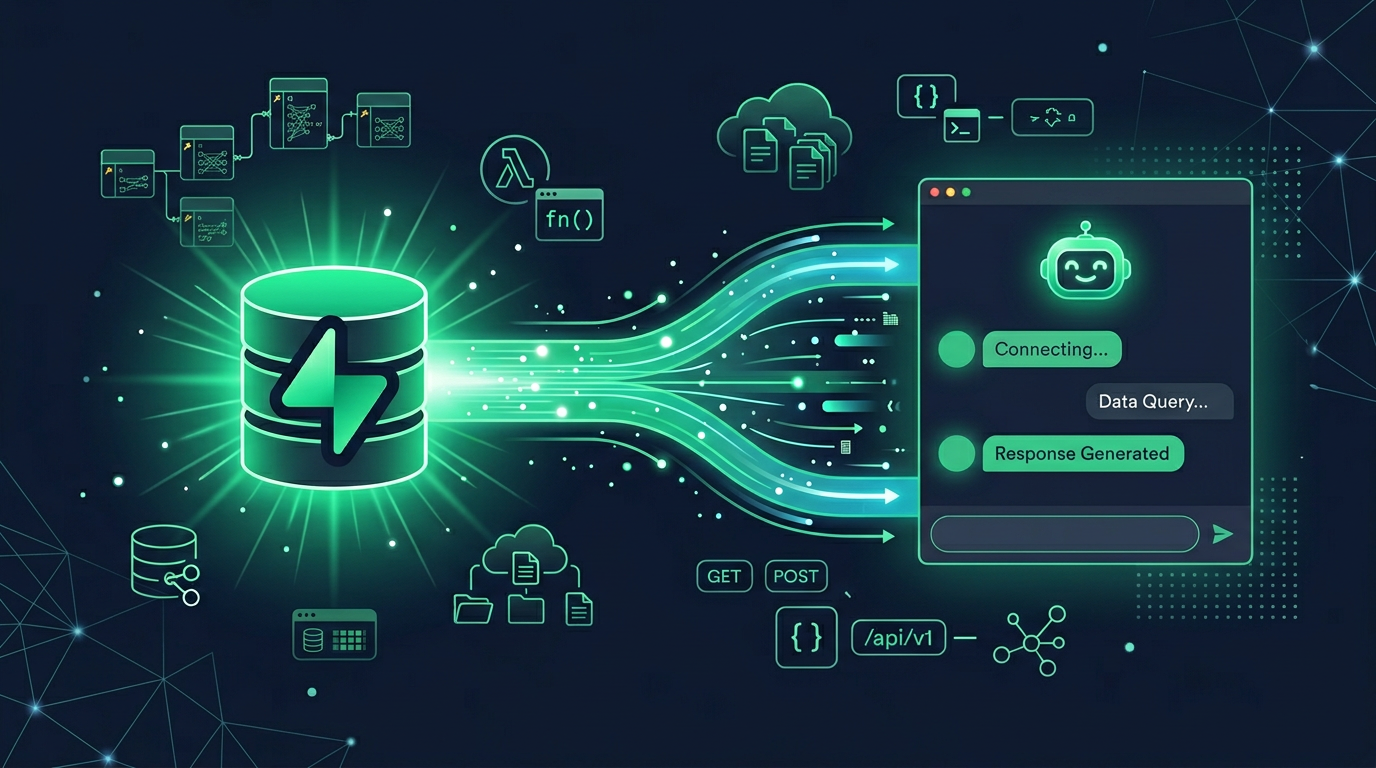
Supabase ships an official MCP server that gives your AI access to the full Supabase platform — Postgres databases, authentication, storage, edge functions, and project management. It's one of the more complete official MCP implementations, covering both development workflows and production operations.

This guide covers what the Supabase MCP server offers, how to set it up, and how to access it through MCPBundles alongside your other tools.

PostgreSQL MCP Server: Query, Explore & Profile Your Database with AI

· 5 min read
MCPBundles

PostgreSQL MCP Server

There's no official PostgreSQL MCP server from the PostgreSQL Foundation — and there probably won't be, since PostgreSQL is an open-source project without a commercial entity pushing integrations. The community implementations that exist are mostly thin wrappers around psql — run a query, get results.

MCPBundles provides 20+ purpose-built tools that go far beyond raw SQL. Your AI explores schemas, profiles columns, analyzes index health, detects data quality issues, finds duplicates, explains query plans, and exports data — all without you writing a single SQL statement. And if you do want raw SQL, that's there too.

Playwright MCP Server: Browser Automation for AI Agents — Official + Cloud Options

· 10 min read
MCPBundles

Browser automation is one of the most powerful capabilities you can give an AI agent. Navigate to any page, read its content, fill forms, click buttons, take screenshots, inspect network traffic, run JavaScript — all programmatically through natural language.

Playwright is the industry standard for browser automation: fast, reliable, cross-browser, built for modern web apps. There are two ways to connect it to AI agents via MCP: Microsoft's official Playwright MCP server and MCPBundles' browser bundles with local and cloud deployment options.

Best MCP Servers for Database Management in 2026

· 10 min read
MCPBundles

Databases are the highest-impact MCP use case we've found. Nothing else comes close in terms of time saved per tool call.

Think about how much of your day involves ad-hoc queries. "How many users signed up this week?" "What's the distribution of plan types?" "Show me the last 10 failed webhook deliveries." Each of these used to mean opening a database client, remembering the schema, writing the SQL, running it, copying the results somewhere useful. With a database MCP server, you describe what you want in plain English and the AI writes the query, runs it, and summarizes the results — in the same conversation where you asked.

We run PostgreSQL MCP as part of our daily workflow at MCPBundles. It handles ad-hoc reporting, data exploration, schema understanding, and debugging. It's the first tool we recommend to anyone evaluating MCP.

Yesterday a support engineer asked "how many workspaces are using custom bundles?" Instead of opening a SQL client, remembering the join between workspace_bundle_access and mcp_bundles, and filtering for user-created bundles — the AI wrote the query, ran it against our read-only replica, and returned the count with a breakdown by plan tier. Thirty seconds from question to answer, including the plan-tier breakdown nobody asked for but everyone wanted.

Best MCP Servers for DevOps & Platform Engineers in 2026

· 10 min read
MCPBundles

DevOps engineers live in a dozen dashboards. Datadog for metrics, Sentry for errors, PagerDuty or Opsgenie for on-call, GitHub for PRs, some combination of Terraform and cloud consoles for infrastructure. Every incident means opening five tabs, correlating timestamps across three tools, and context-switching until the problem is resolved or you've forgotten what you were looking at.

MCP servers change this by letting AI agents query those tools directly. Instead of navigating a Datadog dashboard, you ask your agent to pull the metric. Instead of clicking through Sentry issues, you ask it to summarize the top unresolved errors from the last 24 hours. The agent handles authentication, pagination, and response formatting — you stay in one interface.

We run MCPBundles and maintain MCP servers across monitoring (21), cloud infrastructure (19), project management (48), and developer tools (184). This guide covers the ones that matter most for DevOps and platform engineering work.

Two Saturdays ago our error rate spiked at 2 AM. Instead of opening Datadog, Sentry, and GitHub in three separate tabs, one prompt: "Show me the error rate for the API service in the last hour, the top 5 unresolved Sentry issues tagged api, and the last three merged PRs." The AI correlated the spike with a dependency update that shipped at 1:47 AM — a library bump that changed how connection timeouts were handled. Rollback PR was up in 15 minutes. Without MCP, the investigation phase alone would have taken longer than the fix.
Best AI CLI Tools in 2026 — The Complete Guide

· 14 min read
MCPBundles

The terminal is having its best year since the invention of cloud infrastructure.

Every major AI lab shipped a coding agent CLI. Every major SaaS company shipped or meaningfully updated a service CLI. And a new category is emerging — CLIs that connect the two, giving your coding agent access to production services without leaving the terminal.

We've been running MCPBundles for over a year — a platform where teams connect AI agents to production APIs. We built a CLI because we kept watching agents context-switch between writing code and needing to call Stripe, query a database, or check analytics. This guide covers everything worth installing in 2026, organized by what it actually does for you.

Best AI CLI Tools in 2026

Cursor MCP Tools: Give Your AI Coding Agent 10,000+ Real API Tools

· 7 min read
MCPBundles

Here's the thing nobody tells you about Cursor's agent mode: it's brilliant at working with code and completely blind to everything your code talks to.

Last week we were debugging a webhook handler. Cursor had the code open, understood the control flow, spotted a race condition in the retry logic. Genuinely impressive. Then we needed to know whether the bug was actually hitting production — were customers seeing duplicate charges? The agent that just did 15 minutes of sophisticated code analysis couldn't answer a basic factual question about our own Stripe data.

So we opened a browser tab, logged into Stripe, searched for the customer, scrolled through PaymentIntents, compared timestamps manually, went back to Cursor, and typed what we found. The AI had all the context and none of the data.

We got tired of being the copy-paste bridge between our IDE and our dashboards.

Developer using Cursor with MCP tools connected to production services

MCP Marketplace: Browse 500+ Providers and 10,000+ AI Tools

· 5 min read
MCPBundles

Glama indexes 20,000+ MCP servers. Smithery has 8,000+. mcp.so has 6,000+. There's no shortage of servers to find.

The problem is everything that happens after you find one.

You pick a promising-looking Stripe MCP server from a directory. Now you need to clone the repo, install its dependencies (hope they don't conflict with yours), figure out whether it uses env or args for the API key, add your key to a JSON config file in plaintext, start the process, and configure your AI client to talk to localhost:3000. If you're lucky, it works. If the repo hasn't been updated in three months, it probably doesn't.

Repeat that for every service you want to connect. We got to five local MCP server processes before we gave up and built something better.

MCP Marketplace — browse and connect AI tools