Windsurf MCP: Setup Guide, Configuration & Tool Limits
Yes, Windsurf supports MCP. Cascade — Windsurf's AI agent — can connect to external MCP servers to access databases, APIs, and SaaS platforms directly from your IDE. This guide covers setup, configuration, known limitations, and how to work around the 100-tool cap.
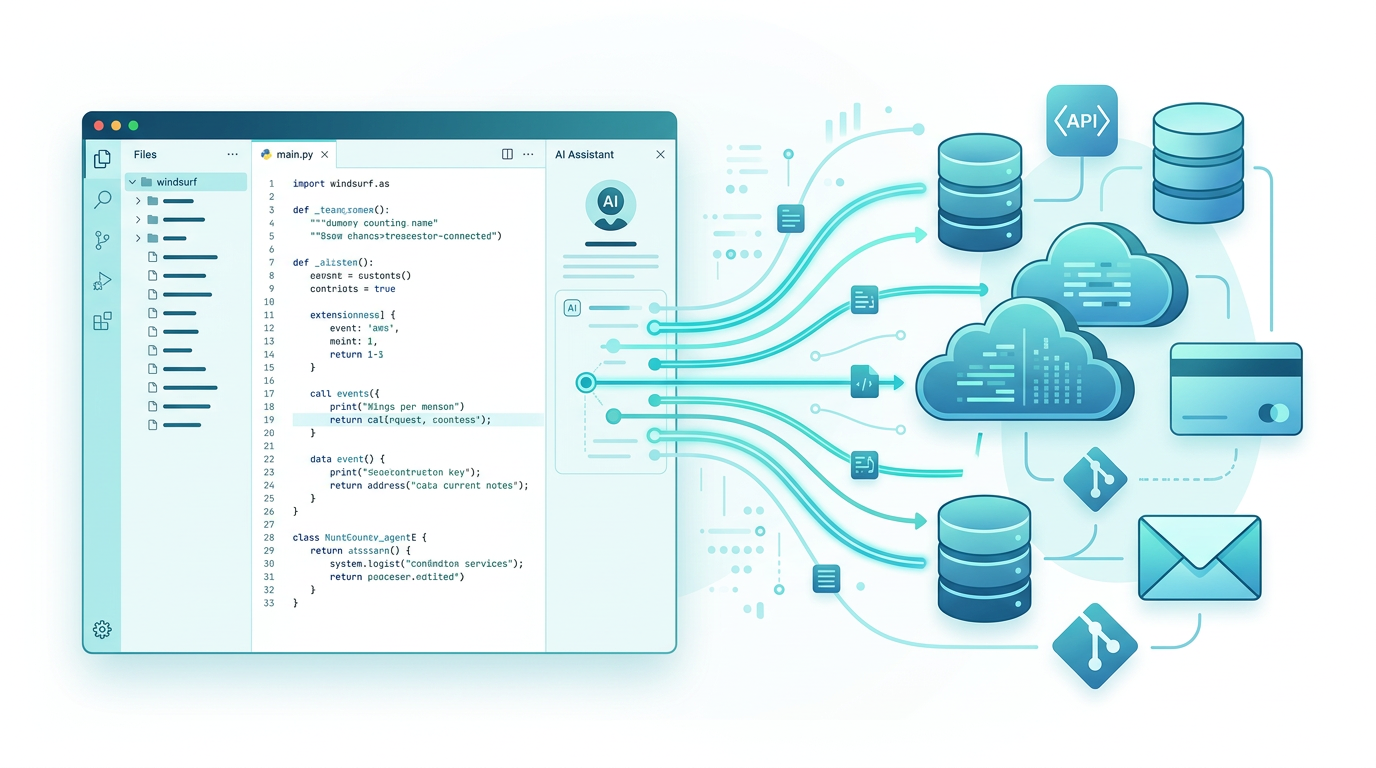
How to Set Up MCP in Windsurf
Windsurf gives you three ways to connect MCP servers. Pick whichever fits your workflow.
Option 1: MCP Marketplace (Fastest)
Windsurf has a built-in MCP Marketplace with one-click installs:
- Click the MCPs icon in the top-right of the Cascade panel, or go to Windsurf Settings → Cascade → MCP Servers
- Browse available servers — official ones from GitHub, Slack, and others show a blue checkmark
- Click Install
The marketplace handles the config file for you. Good for getting started quickly with popular servers.
Option 2: mcp_config.json (Manual)
For servers not in the marketplace, edit the config file directly:
Location:
- macOS / Linux:
~/.codeium/windsurf/mcp_config.json - Windows:
%USERPROFILE%\.codeium\windsurf\mcp_config.json
You can also open it from the Command Palette: Cmd+Shift+P → "Windsurf: Configure MCP Servers".
Stdio server (local process):
{
  "mcpServers": {
    "github": {
      "command": "npx",
      "args": ["-y", "@modelcontextprotocol/server-github"],
      "env": {
        "GITHUB_TOKEN": "ghp_your_token_here"
      }
    }
  }
}
HTTP server (remote, no local process):
{
  "mcpServers": {
    "my-remote-server": {
      "serverUrl": "https://mcp.example.com/sse"
    }
  }
}
Windsurf supports both serverUrl and url for remote HTTP servers. Supports stdio, Streamable HTTP, and SSE transports. Windsurf also supports OAuth for each transport type.
Windsurf supports environment variable interpolation in the config — use ${env:VAR_NAME} syntax in command, args, env, serverUrl, url, and headers fields to avoid hardcoding secrets.
After any config change, quit Windsurf completely and reopen it. Just closing the window doesn't reload MCP servers — you need a full restart.
Option 3: MCPBundles CLI (No Tool Limit)
For teams using many services, the MCPBundles CLI bypasses Windsurf's tool limits entirely (more on this below):
pip install mcpbundles
mcpbundles connect my_workspace
mcpbundles init
This generates a skill file that Cascade reads automatically. Tools are discovered at runtime instead of loaded at startup.
The 100-Tool Limit
Windsurf has a hard limit: 100 tools active at once in Cascade's MCP panel. If your combined MCP servers expose more than 100 tools, Windsurf won't load the extras.
Additionally, Cascade has a per-prompt tool call limit of 20 — after 20 tool calls in one response, you need to hit "Continue" (or enable auto-continue in settings) for it to keep going.
What this means in practice
A single GitHub MCP server might expose 30+ tools. Add Slack (20+ tools), a database server (10+ tools), and a couple more — you're past 100 before you've covered half your stack.
If you connect multiple bundles through mcp_config.json and exceed 100 tools total, some tools silently won't load. There's no error — they just aren't available.
How to work around it
- If you need < 100 tools total: Native config or marketplace works fine. Pick your highest-priority servers and stay under the limit.
- If you need more: Use a CLI-based approach (see below) where tools are called on demand instead of loaded at startup.
Scaling Beyond 100 Tools
The MCPBundles CLI takes a different approach: instead of registering all tools with Cascade at startup, the AI discovers and calls them at runtime through shell commands.
pip install mcpbundles
mcpbundles connect my_workspace
mcpbundles init
With this setup, Cascade:
- Discovers tools when it needs them — runs
mcpbundles tools --bundle stripeormcpbundles search "invoice"in the terminal - Calls tools on demand —
mcpbundles call search-contacts-d4f --bundle hubspot-crm -- query="acme" - Chains calls across services — uses
mcpbundles execfor multi-service Python scripts
No startup loading. No 100-tool cap. Your workspace can have 10,000+ tools across 500+ providers and Cascade accesses exactly what it needs per request.
Cross-Service Scripting
The exec command lets Cascade write Python that calls multiple APIs in sequence:
mcpbundles exec "
invoices = await list_invoices(bundle='stripe', status='past_due')
for inv in invoices['data']:
    contact = await search_contacts(bundle='hubspot-crm', query=inv['customer_email'])
    print(inv['customer_email'], inv['amount_due']/100, contact.get('total', 0), 'HubSpot records')
"
Every enabled tool is available as an async Python function. Cascade writes the code, the CLI handles authentication.
Credentials Are Centralized
Your team connects services once in the MCPBundles dashboard — OAuth, API keys, whatever each service needs. Every Windsurf session gets access automatically. No per-developer credential management, no config file secrets.
Where Cascade's Awareness Shines
What makes MCP tools particularly effective in Windsurf is Cascade's real-time awareness. It sees your files, terminal output, and linter errors as you work — so when it gets data back from an MCP tool, that data enters the same context as the code it's editing.
Building from real API shapes: Ask Cascade to pull data from Google Search Console, get PostHog funnel metrics for each page, and generate a React component to display it. It calls both APIs, sees the actual response payloads, and generates TypeScript types that match the real field names, nullable fields, and nesting. The component renders actual data on the first try.
Debugging with live data: Cascade is already looking at your webhook handler code. Ask it to query your database for mismatched subscriptions and check Stripe for the corresponding PaymentIntents. It finds the bug in the code and identifies affected customers and generates a fix — all in the same conversation.
Auto-continue for big workflows: For workflows that exceed the 20 tool-call limit, enable auto-continue in Cascade's settings. A weekly audit that pulls Stripe data, cross-references with your database, and writes a report might take 40+ tool calls — auto-continue handles it without manual intervention.
Available Services
MCPBundles connects Windsurf to tools across every category:
| Category | Services |
|---|---|
| Payments & Billing | Stripe, Chargebee, ChurnKey, Recurly |
| CRM | HubSpot, Attio, Salesforce, Close |
| Databases | PostgreSQL, MySQL, Supabase |
| Gmail, SendGrid, Campaign Monitor | |
| Analytics | PostHog, Plausible, Google Analytics |
| SEO | Google Search Console, Ahrefs |
| Dev Tools | GitHub, Linear, Sentry, LaunchDarkly |
| Cloud | AWS, Cloudflare, Vercel |
| Monitoring | Datadog, PagerDuty, FireHydrant |
Browse the full catalog at mcpbundles.com/providers or search across 10,000+ tools.
Getting Started
For a few servers (under 100 tools total): Use the MCP Marketplace or edit mcp_config.json directly.
For many services (100+ tools): Use the MCPBundles CLI:
pip install mcpbundles
mcpbundles connect my_workspace
mcpbundles init
Same CLI works in Claude Code, Cursor, and anything else with a terminal. Full setup details in the Windsurf integration guide.
FAQ
Does Windsurf support MCP?
Yes. Windsurf supports MCP through the built-in MCP Marketplace, manual mcp_config.json configuration, and CLI-based approaches. Cascade can connect to stdio, Streamable HTTP, and SSE servers.
Where is the Windsurf MCP config file?
~/.codeium/windsurf/mcp_config.json on macOS/Linux, %USERPROFILE%\.codeium\windsurf\mcp_config.json on Windows. You can also open it via Command Palette → "Windsurf: Configure MCP Servers".
How do I add an MCP server to Windsurf?
Three ways: (1) Use the MCP Marketplace in the Cascade panel for one-click installs. (2) Edit ~/.codeium/windsurf/mcp_config.json and add a server entry. (3) Use a CLI like MCPBundles for runtime tool discovery. Restart Windsurf after config changes.
What is the Windsurf tool limit?
Windsurf caps active tools at 100 in Cascade's MCP panel. Servers that push the total past 100 won't have their extra tools loaded. Cascade also has a 20 tool-call limit per prompt (use "Continue" or auto-continue for longer workflows).
Does serverUrl or url go in the Windsurf config?
Windsurf accepts both serverUrl and url for remote HTTP/SSE servers. Most examples use serverUrl, but either works.
Do I need to restart Windsurf after changing MCP config?
Yes. Quit Windsurf completely and reopen it. Just closing the editor window doesn't reload MCP servers — you need a full restart for config changes to take effect.
Does the MCPBundles CLI work in other editors?
Yes. The same CLI, same commands, same workflow works in Cursor, Claude Code, Codex, or any agent with terminal access.